Ring’s Third-Party AI Apps Turn Security Cameras Into Monitoring Tools
Ring’s app store adds tools for pets, rentals, yards and worksites, but subscription costs and imperfect detections make their value—and privacy impact—uneven.

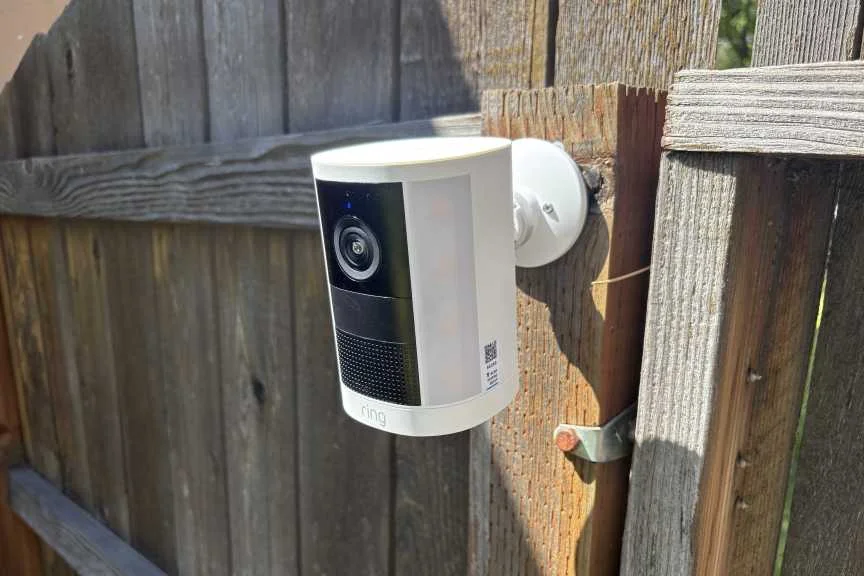
Ring cameras can now do more than flag motion or identify familiar objects. A collection of third-party apps uses the cameras’ image recognition to track everything from wildlife to rental guests and work crews. That turns a familiar home security device into a flexible sensor, with useful niche features and a wider reach into other people’s routines.

Most of these services require a Ring subscription, then add their own monthly charge, often a few dollars. The practical question is whether a specialized alert or report is worth that recurring cost. The broader one is what happens when a camera owner uses automated detection to monitor neighbors, tenants or workers. The system can describe what it sees, but its output may be mistaken or incomplete.
From camera footage to specialized reports
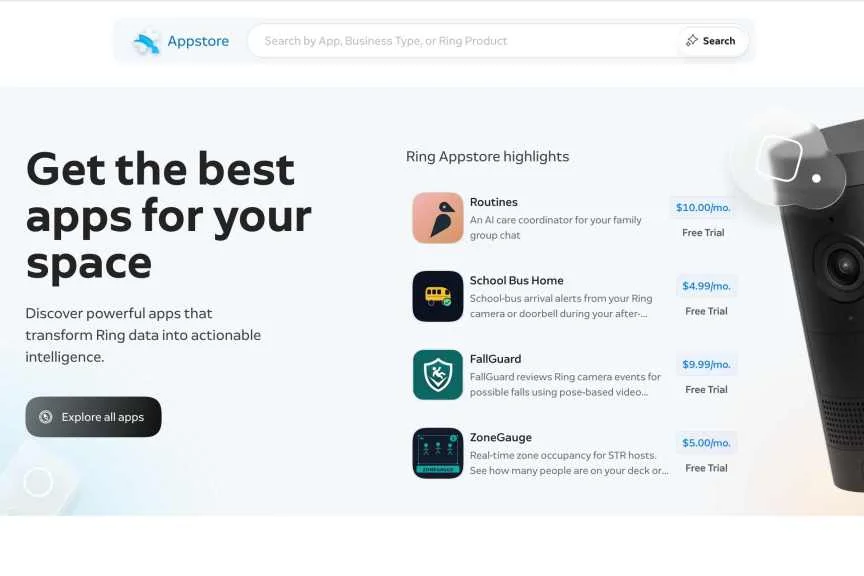
The apps build on Ring’s object recognition. They look for patterns in camera footage, then turn detections into alerts, summaries or records. The Ring app store lists what devices each tool supports and provides an “App privacy” section describing the data an app may access. Depending on the service, that can include motion events, an email address or access to a camera’s live view. Developers can also say whether they use collected data to train AI models.
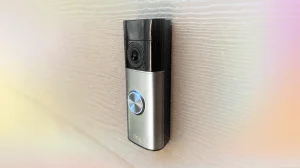
Those details matter because access varies by app. Some work with many Ring cameras; others need a wired device or a newer model. Checking the requirements and data disclosures before installing is part of assessing whether a feature fits the use case.

Yards, waste and neighborhood rules
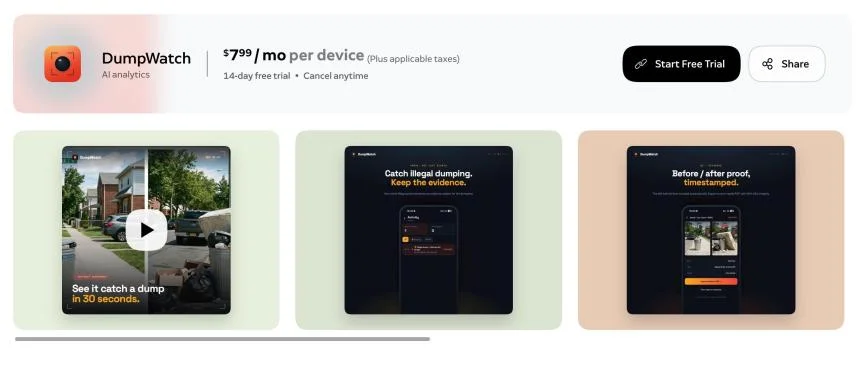
DumpWatch, priced at about $8 a month, looks for large amounts of waste left in view. It can save timestamped footage and produce a PDF for a complaint or report. That may help document a recurring problem, but the camera can’t establish context on its own. A bin on the sidewalk may simply be waiting for collection, and extra bags beside it may be permitted by the waste service. A detection is a lead to review, not proof of a violation.

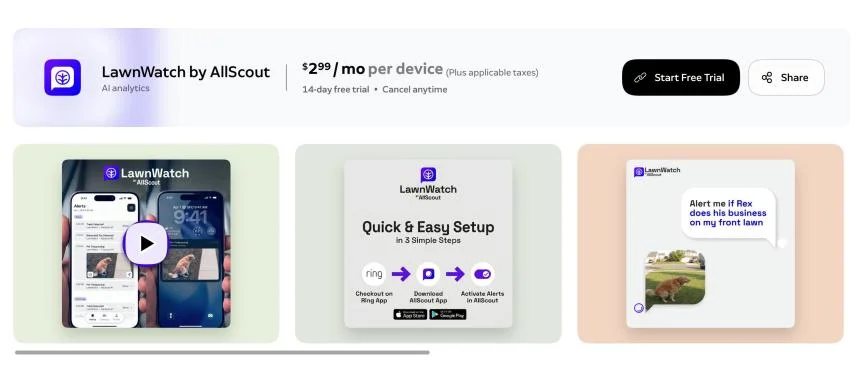
LawnWatch costs $3 monthly and can flag issues such as toys left on a lawn or dog waste. Greenlapse takes a less enforcement-oriented approach: it tracks grass and plant growth, primarily for people following their own landscaping projects. These uses show how the same camera can shift from watching an entrance to assessing a yard.
Using a camera to scrutinize a neighbor’s property raises privacy concerns and may create legal trouble, depending on the circumstances. Keeping a tool like LawnWatch focused on one’s own property is the more sensible use. In any case, automated assessments can miss context, so they’re a poor substitute for checking what actually happened.
Rental properties and work sites
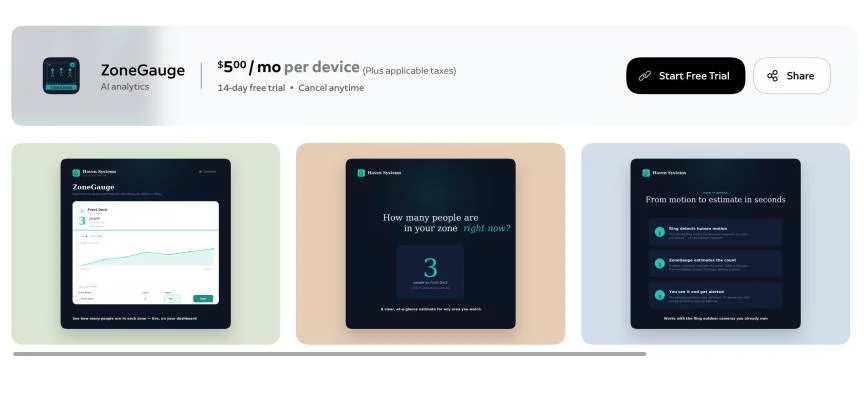
Some apps target landlords and short-term rental operators. ZoneGauge, at $5 per month, tracks how many people are in a space, which could alert an owner to a gathering. GuardCat costs $8 monthly and summarizes check-outs, cleaner visits and alleged house-rule violations based on camera detections.

These tools touch especially sensitive settings. Airbnb has banned indoor security cameras, so apps of this kind shouldn’t be used indoors in those rentals. More broadly, a system that infers occupancy or behavior from footage can produce a tidy summary while still getting the situation wrong. That’s a shaky basis for decisions about guests or tenants.
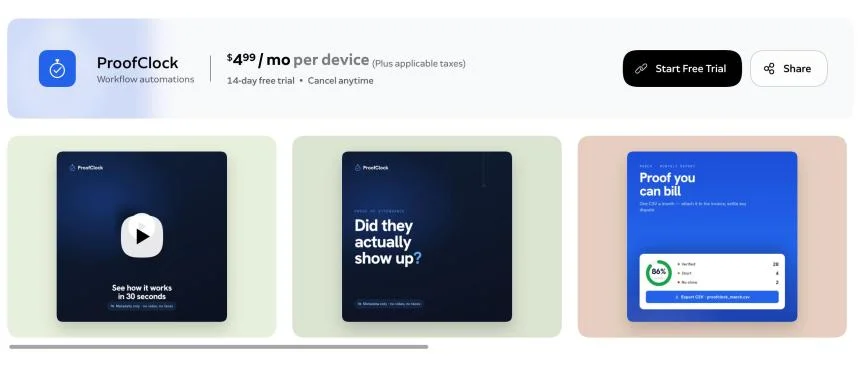
ProofClock and TimeStack extend monitoring to construction, freight and similar work. They can record when a crew arrives and how long it appears to work, even when the camera owner isn’t on site. Some services also produce uptime or service-level reports. That may help with basic site visibility, but tying imperfect camera detections to payroll or service assessments deserves caution. A timestamp can document what a camera observed; it doesn’t necessarily explain why someone was absent or what work took place outside the frame.
Pets, wildlife and birds

Pet Vet AI costs $10 per month and analyzes snapshots for behaviors such as limping, vomiting or sleeping in unusual places, then summarizes potential concerns. It says it supports birds, reptiles and fish as well as mammals. That’s a broad claim for a system interpreting images: the usefulness of an observation depends on what the camera can see, and an automated summary shouldn’t be treated as a diagnosis. Still, pet monitoring is one area where an app could stand in for a separate camera service.
YardWild offers a lighter use for Ring’s night vision, identifying wildlife that enters the property. It deliberately ignores people and birds, reducing alerts while limiting the kinds of observations it makes.
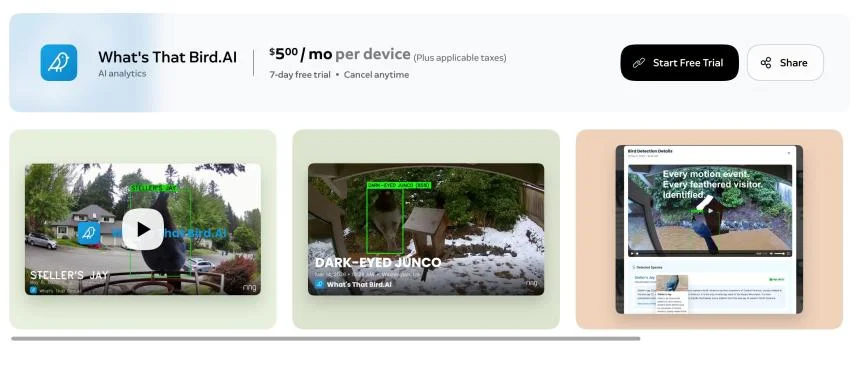
What’s That Bird.AI costs $5 a month. It captures bird images near a feeder or birdbath and attempts to identify the species. Dedicated smart feeders from Birdbuddy and other brands already offer similar recognition, sometimes without a separate monthly app fee. If bird identification is the only goal, comparing the ongoing cost with a dedicated camera makes sense.
Useful in narrow cases, with limits
Ring’s app store makes the platform more adaptable, but each app adds another subscription and another interpretation layer between footage and action. Some services may suit a specific need, particularly pet monitoring or documenting repeated events. For most households, though, the added fees are hard to justify for occasional alerts; even a simple mailbox notification can cost $5 a month.
The key is to treat these apps as monitoring aids, not reliable arbiters of what happened. Review device compatibility, data access and the limits of each detection before relying on its output. As Ring’s third-party catalog grows, those details will matter as much as the feature list.