Apple Watch Audio Intelligence Adds Live Rewind and Conversation Summaries
Apple’s new Watch audio tools can identify sounds, replay recent speech and summarize conversations, with opt-in controls and on-device processing.

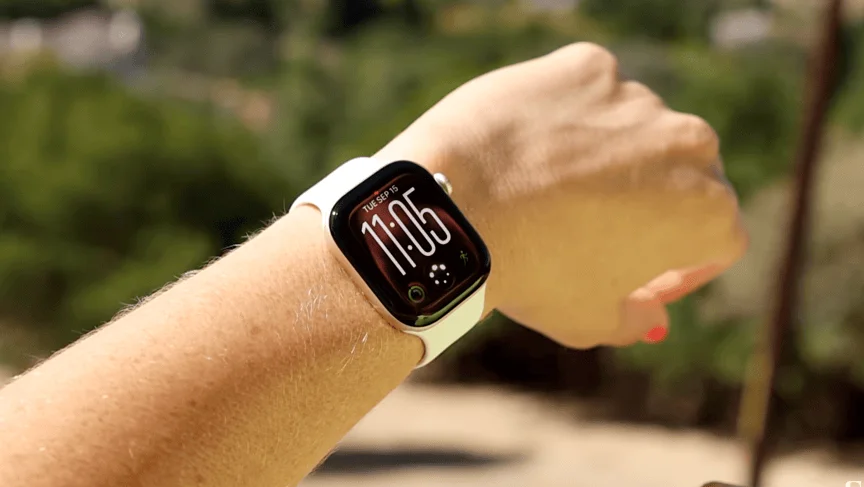
Apple’s new Audio Intelligence features give the Apple Watch two jobs that raise practical questions alongside technical ones: retrieve a short stretch of recent speech, and turn conversations into summaries. Both are arriving in beta for the Series 12 and Ultra 4. They could help when someone misses a detail in a meeting or needs an alert for a doorbell, but they also put a microphone enabled for listening into more everyday situations.


Four audio features, with two new additions
Audio Intelligence brings together music recognition, Sound Recognition, Live Rewind and Siri Recap. Music and sound recognition were available from launch; Live Rewind and Siri Recap are the additions drawing the most attention because they deal with speech and ambient conversations.
Music recognition now works faster and can identify a song without opening the Shazam app. In beta testing, identified tracks appeared automatically in the Watch’s Smart Stack. The feature can be convenient when a song comes on unexpectedly, though it doesn’t identify every sound: lullabies sung at home, for example, went unrecognized.

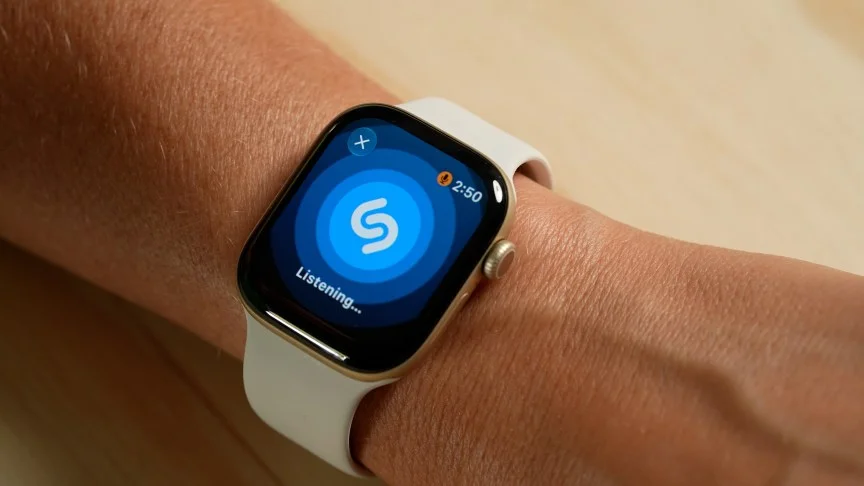
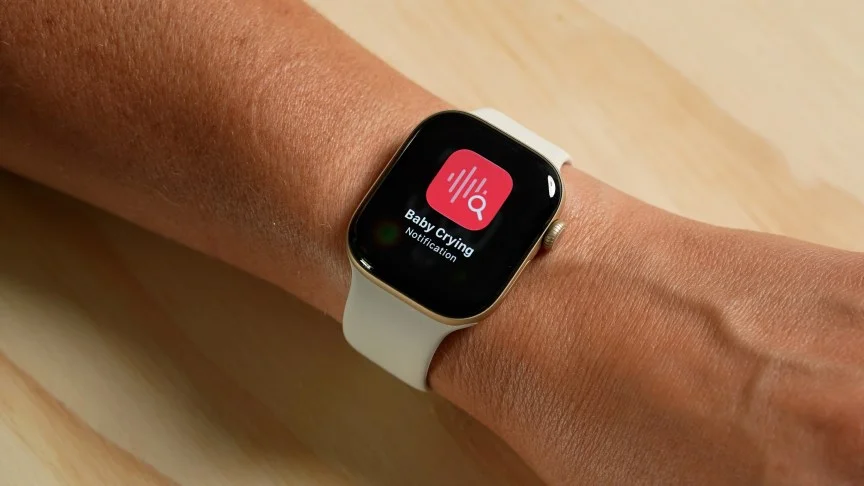
Sound Recognition is aimed at accessibility. It can alert people who are deaf or hard of hearing to sounds such as a crying baby, dog barking or doorbell. The feature is enabled on the paired iPhone under Settings > Accessibility > Sound and Name Recognition, where users can choose which sounds the Watch should detect.
Dillon Lopez/CNET
Early testing identified a fake cough, a doorbell and a car horn, but also produced reports of barking and honking when those sounds weren’t apparent. That’s a meaningful limitation for a feature whose usefulness depends on the reliability of its alerts. These results came from beta software, so accuracy needs more testing before anyone should treat every notification as dependable.

Live Rewind keeps only a short window
Live Rewind lets a user double-click the Digital Crown to bring up a text transcription of the previous 15 seconds. The idea is to recover a brief detail without asking someone to repeat it: perhaps a restaurant’s specials or a point made during a presentation.
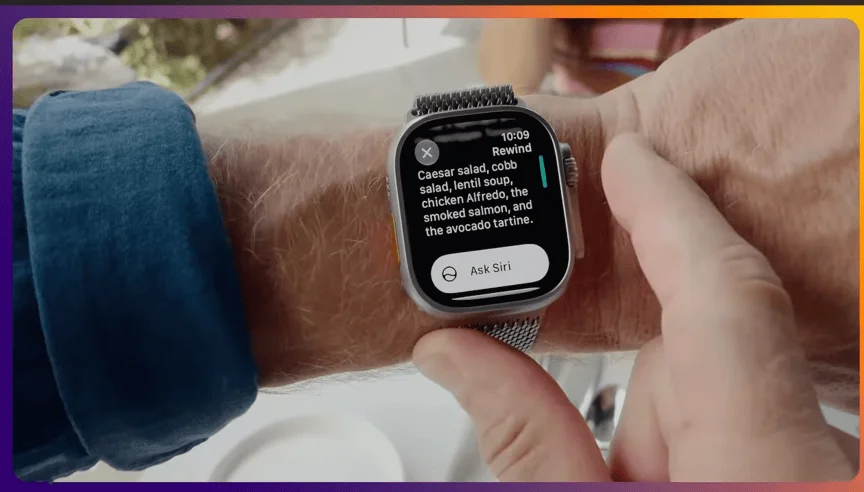
The short window is important to how the feature works. Audio is continually replaced by newer audio and deleted. Unless the user activates Live Rewind while the relevant words are still in that window, they can’t be retrieved. The transcription disappears from the screen if left alone; users can ask Siri about it or save it in the Siri app to view later on an iPhone.

That makes Live Rewind a quick-recall tool, not a way to create a lasting record of a conversation. It may be useful when stopping to take notes would interrupt a presentation. In a one-to-one conversation, looking down at a watch can be awkward, and asking the speaker to repeat a sentence may be simpler.
Siri Recap turns conversations into notes
Siri Recap works at a broader scale. When enabled, it listens in the background and creates high-level summaries and key points from conversations during the day. Possible uses include a work meeting, a parent-teacher conference or an informal brainstorming session that someone wouldn’t otherwise record with Voice Memos.

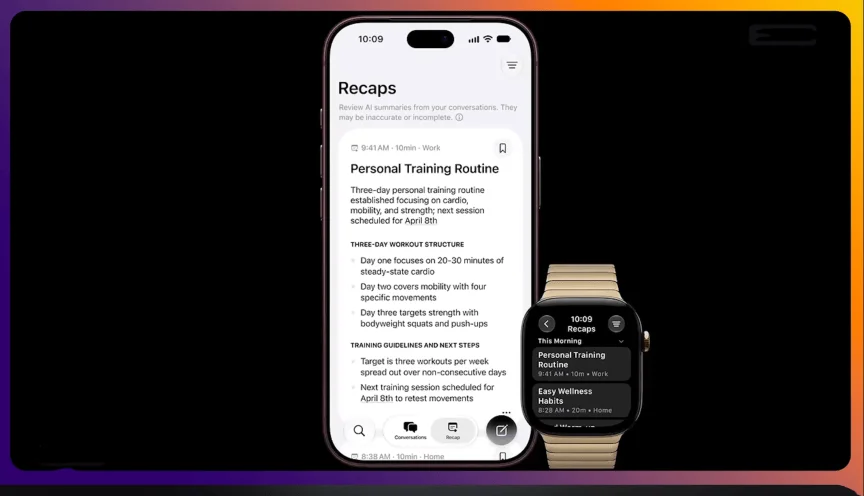
Recaps can be kept in the Siri app, exported to Notes or Journal, or deleted. They’re automatically removed after seven days if the user doesn’t delete them sooner. That gives the feature a short retention period, though users still need to decide whether they want conversation summaries saved to their devices.
Both new features are opt-in. Live Rewind requires a manual double-click of the Digital Crown. Siri Recap offers more control: users can leave it enabled, schedule it around meetings, or switch it on and off from a new Control Center icon on the Watch. The device can remind users in the morning if Recap is still enabled, send prompts to review summaries and notify them when a schedule starts or ends.
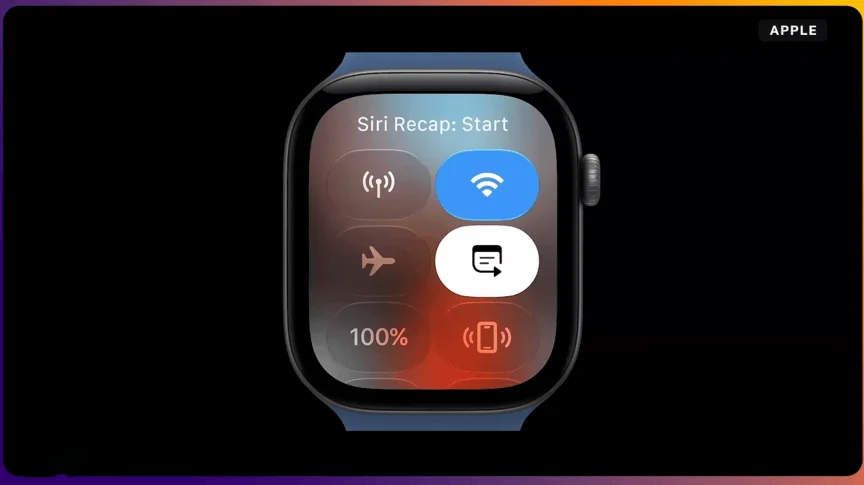
There are also limits on what the Watch can hear. Recap doesn’t work for conference calls or FaceTime when AirPods or headphones are in use; it relies on audio picked up through the speaker. That narrows its usefulness for people who spend much of the workday on calls.
Apple’s processing design, and the social question
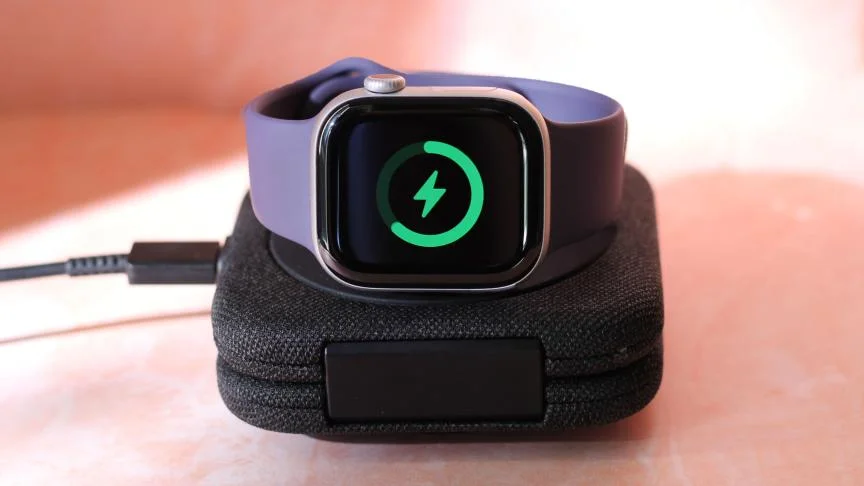
Apple says these features won’t reduce battery life, attributing that to the S11 chip’s dual architecture: one part handles background tasks without waking the more power-hungry main processor. The Series 12 lasted about a day and a half in the writer’s testing, while the Ultra 4 lasted between two and a half and three days. Those are reported real-world results, not a guarantee for every user or configuration.
The privacy design starts on the Watch. Apple says raw audio isn’t saved and is processed inside a hardware-isolated part of the S11 chip called the Secure Exclave, which the company says it can’t access. For Siri Recap, Apple says the Watch condenses text on-device, removes the full transcript, and sends only the condensed version, encrypted, to Private Cloud Compute. The recap returns to the iPhone, and Apple says it is immediately deleted from that cloud system.
Apple says the summarization process removes filler words and filters out categories including financial data, authentication details, personal identifiers, language related to self-harm and sensitive government information. That describes a privacy-focused pipeline, but it doesn’t resolve the social question: people nearby may not realize a Watch is listening for conversations to summarize.
Live Rewind plays a chime when it’s active. The source reports no equivalent alert for Siri Recap, leaving users to rely on their own controls and reminders to know when it’s listening. For shared spaces, the feature’s value will depend partly on whether people feel comfortable having conversations summarized without a clear cue to everyone present.
The beta features are rolling out with iOS 27.3, initially in English, with more languages planned later. The next useful evidence will be how reliably Sound Recognition behaves, how well Recap handles real conversations, and whether its controls make listening status clear in daily use.